


Welcome to CoreClipsAI

Hours of video. A head start on everything.

One recording becomes transcripts, summaries, the moments worth keeping, and a branded reel ready to share — in minutes, not days.

Try Free

First 60 minutes free · No credit card · Free and Custom plans

The CoreClipsAI workspace

One recording. Everything it has to give.

Trusted across industries & use-cases

What happens to your recording

Speech in.
Structure out.

Every word you record becomes a transcript — then summaries, key takeaways and highlights you can share.

Illustration: rambling spoken words, fillers and all, spiral into the CoreClipsAI logo, and a transcript, a summary, key takeaways and a timestamped highlight come out the other side.

How it works · From recording to reel

One upload.
A clearer way forward.

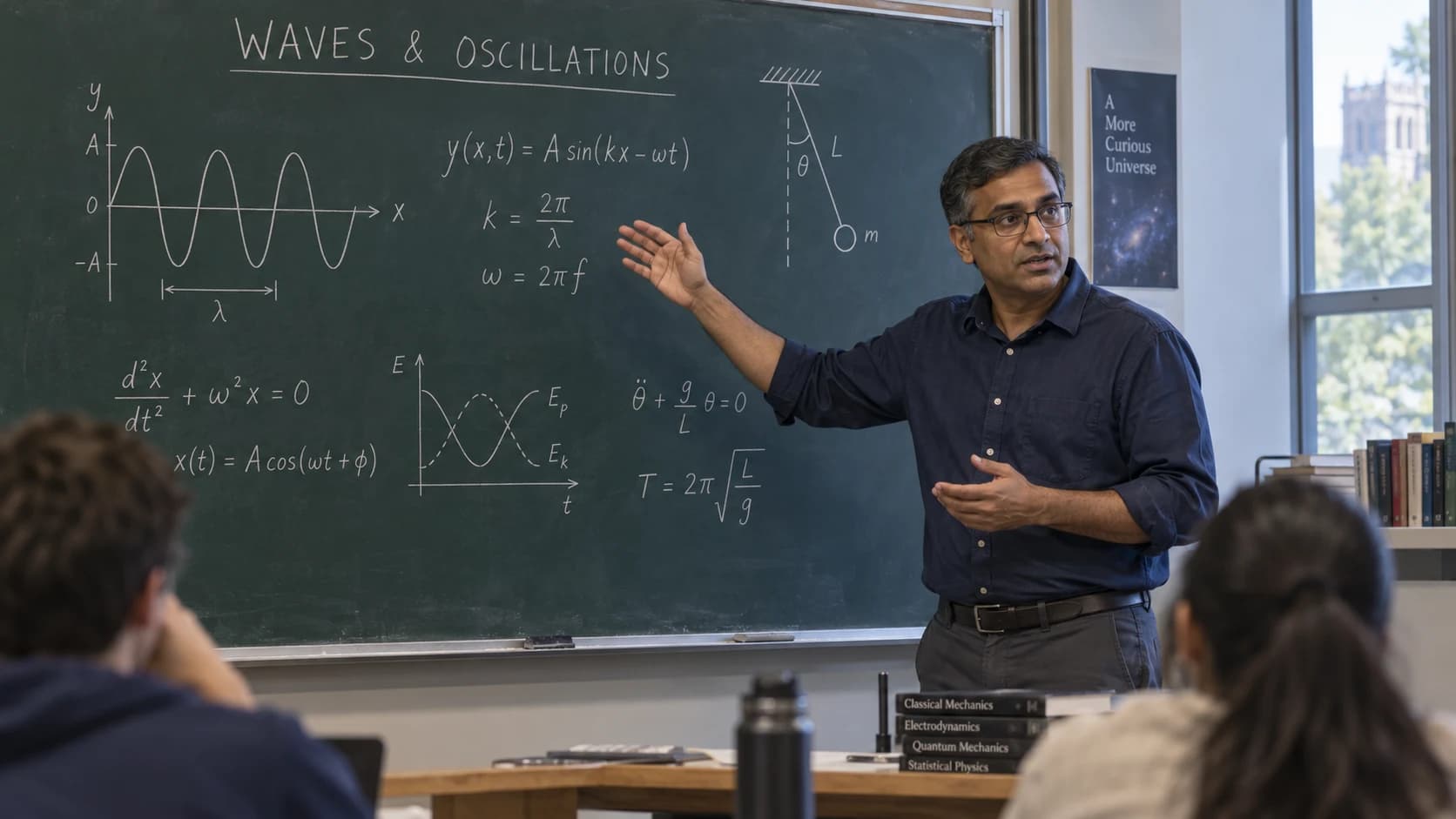
Scroll through what CoreClipsAI does with a 32-minute physics lecture — from the moment it lands to a branded highlight reel.

01 Upload

Drop it in.
Walk away.

Drop in a file (up to 4 GB) or paste a YouTube or public Vimeo link, then choose your video type and highlight options.

  • Uploads up to 4 GB
  • Transcript, summary and highlights generated for you
Upload videosNEW PROJECT
Drop a file or paste a YouTube / Vimeo link

Video thumbnail: Waves and oscillations, Lecture 04
Waves and oscillations — Lecture 04.mp4MP4 · 1080p · 32 min · 1.2 GB
Output templateEducation
Uploading0%
Generating transcript · summary · highlights
Transcript✓ Ready
Summary✓ Ready
Highlights✓ Ready

02 Transcribe

Every word,
on the page.

The full recording as one clean transcript — every word, ready to read, search through and share.

  • Every word, in one clean transcript
  • Ready to read, copy or share
  • Handles mixed Hindi–English speech
TranscriptFULL TEXT

A wave carries energy, not matter. Watch the rope — each point only moves up and down. That maximum displacement from rest is what we call the amplitude. Toh bigger amplitude ka matlab more energy? Exactly — the energy grows with the square of the amplitude.

03 Understand

The whole lecture,
on one page.

A structured summary and key takeaways, shaped around your domain — every point linked back to its source.

  • Custom templates on every plan
  • Export as PDF / PPT with your branding on every plan
Structured summaryTEMPLATE · EDUCATION
  • Topic: mechanical waves — what they carry and how they are measured.↗ 00:00
  • Core idea: waves transfer energy without transporting matter.↗ 00:52
  • Defined: amplitude, wavelength, frequency, wave speed (v = fλ).↗ 04:17
  • Next lecture: superposition and interference.↗ 31:05
Key takeaways
01Energy moves; the medium only oscillates.
02Amplitude sets energy; frequency sets pitch.
03v = fλ links the three quantities.
Shaped by your template · Export as PDF / PPT
04 Find moments

The good parts.
Already found.

The clearest explanations, found for you — with timestamps and context still attached. Keep the ones that matter.

Highlights5 FOUND · TIMESTAMPED
Highlight thumbnail: What makes a wave? Amplitude and displacementWhat makes a wave? Amplitude and displacement00:52 · 00:35 clip98%
Highlight thumbnail: Frequency, wavelength, and wave speedFrequency, wavelength, and wave speed04:17 · 00:43 clip96%
Highlight thumbnail: How waves combine: the superposition principleHow waves combine: the superposition principle12:40 · 00:51 clip94%
Highlight thumbnail: Constructive and destructive interferenceConstructive and destructive interference18:05 · 00:38 clip91%
Highlight thumbnail: Standing waves on a stringStanding waves on a string26:30 · 00:47 clip88%
05 Build the reel

Pick. Order.
Brand. Stitch.

The reel builder turns the moments you choose into one branded video — in the order you set, without an editing tool. Try it below.

How to build a reel

  1. Pick the moments

    Tick the highlights you want. They’re listed in time order, each with its AI confidence score.

  2. Put them in order

    Drag the clips — or use the arrow buttons. The stitched reel keeps exactly this order.

  3. Brand it

    A title card before each clip, your intro and outro, your logo in the corner.

    Title cards, intro/outro and logo on every plan
  4. Stitch & export

    Preview it back to back, then export the whole reel as one MP4.

    Branded exports use reel-export credits
Lecture frame: How waves combine: the superposition principle
Highlight 03 / 05+ IntroLogo overlay
3 clips in your reel02:18

Your reel

3 clips · 02:18 · MP4
3s
  1. Introplays first
  2. Lecture frame: What makes a wave? Amplitude and displacement1What makes a wave? Amplitude and displacement00:52 · 00:35
  3. Lecture frame: How waves combine: the superposition principle2How waves combine: the superposition principle12:40 · 00:51
  4. Lecture frame: Constructive and destructive interference3Constructive and destructive interference18:05 · 00:38

Title cards, intro & outro, logo overlay and burned-in captions on every plan. Branded exports use reel-export credits. Stitching needs an uploaded (or Vimeo) video — YouTube-linked videos are transcript-only.

06 Share & export

One recording.
Six ways forward.

The source stays connected to the insight. The insight becomes something you can share.

01

Full transcript

Every word of the recording in one clean transcript, ready to read or share.

TXT · FULL TEXT
02

Structured summary

A clear account of the session, shaped around your domain — with custom templates.

PDF / PPT · YOUR BRANDING
03

Key takeaways

The ideas to remember, without another pass through the footage.

KEY POINTS · SOURCE-LINKED
04

Timestamped highlights

Important moments, with timestamps and context still attached.

MOMENTS · READY TO REVIEW
05

Branded highlight reel

Your selection, your sequence, your logo, intro and outro — stitched into one video.

MP4 · STITCHED REEL
06

Share & export

Email outputs to your team, download transcripts as JSON, or connect AI assistants via MCP.

EMAIL · JSON · MCP
YOUR TURN

Your recording, next.

Upload a lecture, a webinar or a deposition and get all six back — ready to ship.

Start free
04 / Why CoreClipsAI

Days of work.
Done in minutes.

Transcribing, reviewing, highlighting and summarising long-form video used to take a team days. CoreClipsAI turns the same recording around in minutes — for a fraction of the cost.

Manual team4–6 people · ₹350/hr
2–3 days
CoreClipsAIJust you · from ₹200/hr
Minutes ✓
Today · without CoreClipsAI

A team. A queue. A week.

Processing, reviewing, summarising and producing highlights is stitched together by humans — and every step waits for the one before it.

2–3 daysTurnaround
₹350/hrCost per hour
4–6People
  • Manual transcription, then a second pass for cleanup
  • Editors hand-pick highlights from raw footage
  • Summaries written from scratch, reviewed by hand
  • Scaling = hiring more people
With CoreClipsAI

One upload. One pipeline. Minutes.

Transcription, highlight detection and structured summaries — generated automatically, the moment your video lands.

MinutesTurnaround
₹200/hrTop-up rate
Just youPeople
  • Full transcripts of every word, automatically
  • Highlights found automatically, each timestamped
  • Custom domain templates on every plan
  • Scaling = one more upload
05 / Pricing

Simple plans.
Seats included.

Two plans: Free to get started, and Custom when you need more. Start with your first 60 minutes free, top up any time at ₹200 an hour.

Best fit for youPay as you go · Free plan + top-ups
Manual team · ₹350/hr₹35,000
CoreClipsAI / month₹19,800
You save ₹15,200 a month (43% cheaper than a manual team).₹15,200 saved
Best fit

Free

₹0one-time trial

First 60 minutes, one-time

Start free

Need a Custom plan?

Custom integrations, higher volumes or tailored onboarding — tell us what you need and our team will build a plan around it.

Contact us

Prices in INR, excluding 18% GST.

Compare plans, feature by feature

Every limit and feature below is exactly what each plan unlocks.

Feature comparison of the Free, Custom plans
FeaturesBest fitFree₹0 CustomTailored to you
Usage
Processing hoursFree minutes and reel exports expire after 30 days.60 min, one-timeCustom
Seats3Custom
Videos processed at once1Custom
Pending invites3Custom
Processing queueEach queue has its own workers.TrialCustom
Outputs
Transcript, summary, key takeaways & timestamped highlightsIncludedIncluded
YouTube & Vimeo importIncludedIncluded
Edit & approve outputs before sharingIncludedIncluded
PDF exportIncludedIncluded
PPT exportIncludedIncluded
Email sharing to multiple recipientsWith the PDF or PPT attached.IncludedIncluded
Reels & branding
Stitched highlight reelsFrom uploaded video files.IncludedIncluded
Branded reel exports includedA reel with title cards, thumbnails, intro/outro, captions or a logo uses one export. Plain reels don't.4, one-timeCustom
Title cardsIncludedIncluded
Highlight thumbnailsIncludedIncluded
Intro & outro videosIncludedIncluded
Burned-in captionsIncludedIncluded
Logo watermark on reelsIncludedIncluded
Watermark on PDF/PPT exportsIncludedIncluded
PDF/PPT header & footerIncludedIncluded
Workflow
Custom templates & promptsIncludedIncluded
Regenerate any section with your own promptIncludedIncluded
CoreClipsAI desktop editorIncludedIncluded
Content search (RAG)Search and ask questions across your video library.IncludedIncluded
Team & admin
Roles availableAll five: Owner, Admin, Editor, Developer, Viewer.Owner, EditorCustom
Edit role permissionsOwner and Developer roles stay fixed.IncludedIncluded
Custom rolesUp to 20Custom
Audit trailIncludedIncluded
Billing
Extra processing hoursEach hour also adds 4 branded reel exports. Top-up hours don't expire.₹200 / hrCustom
Reel export packs₹600 for 20Custom

On every plan you're charged only for processing that succeeds, and uploaded video files are deleted after 7 days.

06 / Your workspace, in focus

Start on your own.
Bring everyone in.

Every recording, processing job and output in one place — with the right access for each person and a clear trail of who did what.

Total videos+4 this week
Processing now2 videos at once
Highlights found7 avg per video
Hours savedvs manual review

Roles & permissions

Give each person the access they need — more roles on higher plans.

OOwnerBilling, plan and organisation settings
AAdminInvite people and manage the team
EEditorUpload, review and export outputs
DDeveloperAdmin-level work, without team or billing access
VViewerLimited, read-only access you can tailor

Audit log LIVE

Sign-ins, team, role and upload activity — timestamped.

Priya uploaded “Lecture 04.mp4”10:42
Arjun invited dr.mehta@… as Viewer10:17
Neha changed Rahul’s role to Editor09:58
Arjun signed in09:31

Content search Enterprise

Search every transcript in your library in plain language and jump straight to the passages that answer it.

  1. 04:17 → 04:58Lecture 04 · Waves & oscillations

    “Wave speed is just frequency times wavelength — v equals f lambda…”

  2. 02:03 → 02:31Lecture 05 · Superposition

    “Remember from last week: the speed depends on the medium, not the source…”

  3. 18:40 → 19:12Revision session · Unit 2

    “If the frequency doubles, the wavelength halves, so the speed stays the same…”

08 / A considered workspace

The right access.
A clear trail.

Built for medical, legal and enterprise recordings from day one.

Video files deleted after 7 days

Uploaded video files are removed automatically 7 days after upload, with a warning first. Your transcripts and outputs stay in your workspace.

Encrypted in transit

Uploads and outputs travel over encrypted (HTTPS) connections.

No training on your content

We never train our own models on your recordings or outputs.

Roles & audit trail

Role-based access on every plan (more roles on higher tiers) and a timestamped trail of sign-ins, team, role and upload activity.

FAQ

Questions, answered.

Everything you need to know before you upload your first video.

CoreClipsAI turns long recordings — conferences, webinars, lectures, product demos and training sessions — into a full transcript, a structured summary, key takeaways and timestamped highlights you can stitch into a branded reel or export as PDF and PowerPoint.
Start with one video

You already recorded it. Now make it useful.

Drop your first video — get transcripts, highlights and a summary back in minutes, not days.

First 60 minutes free · No credit card